Getting Started
Invoices & QR Bills
Create professional invoices with Swiss QR payment codes. Your clients can pay directly from their e-banking app by scanning the QR code.
Creating an invoice
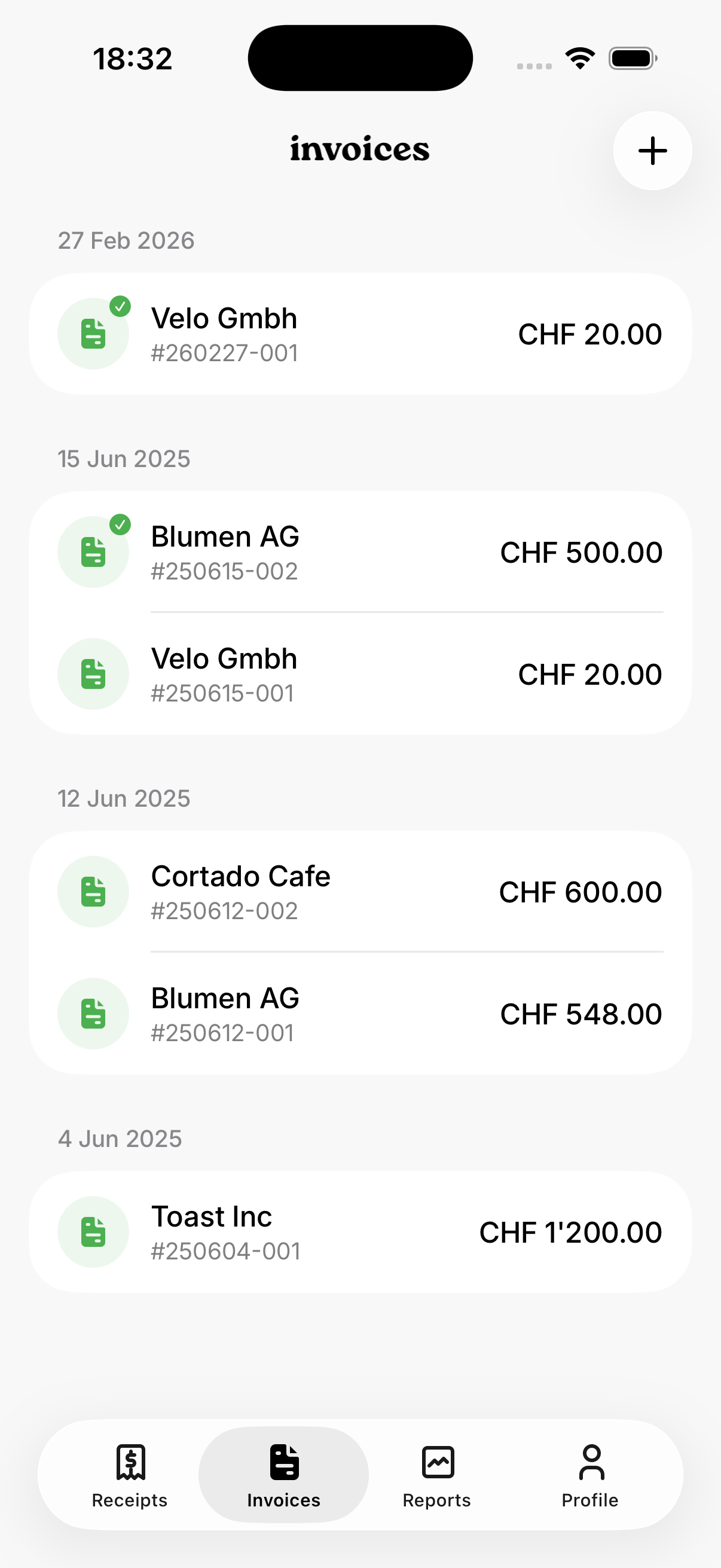
- Go to Invoices tab and tap +
- Select or create a customer
- Add line items with quantity, unit price, and optional discount
- Set due date and language (DE, EN, FR, IT)
- Generate as PDF with QR payment slip
Setup for QR bills
Go to Profile → Company Details and enter your company name, address, and IBAN. This is required for QR bill generation.
Invoice tracking
Track invoice status (created / paid). Auto-generated invoice numbers follow the format YYMMDD-NNN. Mark invoices as paid to create a payment receipt automatically.
Other topics
Ready to simplify your bookkeeping?
Download bonbox and get started in minutes.